Hplay
An Android music player with a scroll wheel, for the songs you already own. No account, no cloud, no ads. Download it and it is yours.
What Hplay is
Most music apps want an account, a subscription and a connection. Hplay wants a folder.
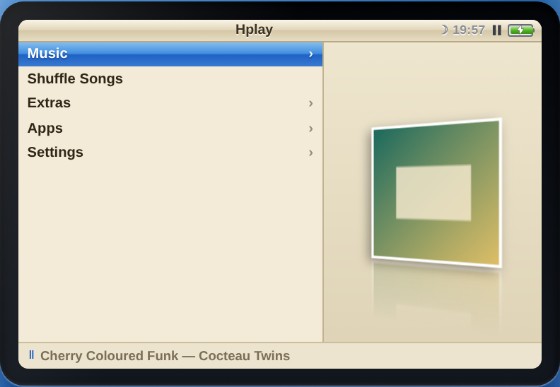
You point it at music that is already on your device and it plays it, with a wheel you spin instead of a list you scroll. Cover art, albums, artists, playlists, search, a sleep timer, a vinyl view that spins while the song runs, and five different screen looks. Nothing is uploaded anywhere. There is no sign-in, because there is nothing to sign in to.
Nothing about your listening is sent anywhere: no account, no analytics, no telemetry, and your music never leaves the device. It is not a no-network app, though — when it starts it fetches a tag-reading script and checks for a newer version, it fetches a catalogue when you open Get More, and it checks a supporter code when you redeem one. The questions below say exactly what and when.
It behaves like a music app should on a phone. It holds the lock screen with the cover art on it, puts controls in the notification shade, takes the volume keys, pauses when you pull your headphones out, and keeps playing with the screen off.
- Version
- 43.0 Engineer
- Runs on
- Android 7+
- Screen looks
- 5 light to paper
- Demo tracks
- 20 51 minutes
- Accounts
- 0
- Price
- Free
This is an alpha
Hplay is still being built and tested. Things move, break and get renamed between versions. Keep your own copy of your music, do not treat the player as the only place your playlists live, and tell me when something goes wrong. That is what the alpha is for.
How to get it
Download it here. No account, no waiting list, no form.
It is not on the Play Store, so you install it yourself. Android will warn you about an app from outside the store — that warning is about where the file came from, not about what is in it, and you will get it for any app that is not on Play. It is still an alpha, so tell me when something goes wrong; that is what the feedback page is for.
Every build stays up under its own number, so you can go back to one that worked for you.
Each has a .sha256 next to it if you want to check the file arrived whole.
latest.json says what the newest one is.
Once you have it
Install it
Open the file you downloaded. Your phone will ask whether you trust an app from outside the store — say yes, and it installs like any other. Nothing to register, no account to make.
Add music
Point Hplay at a folder of your own files, or add songs one at a time. It reads the tags and the cover art out of the files themselves.
Spin the wheel
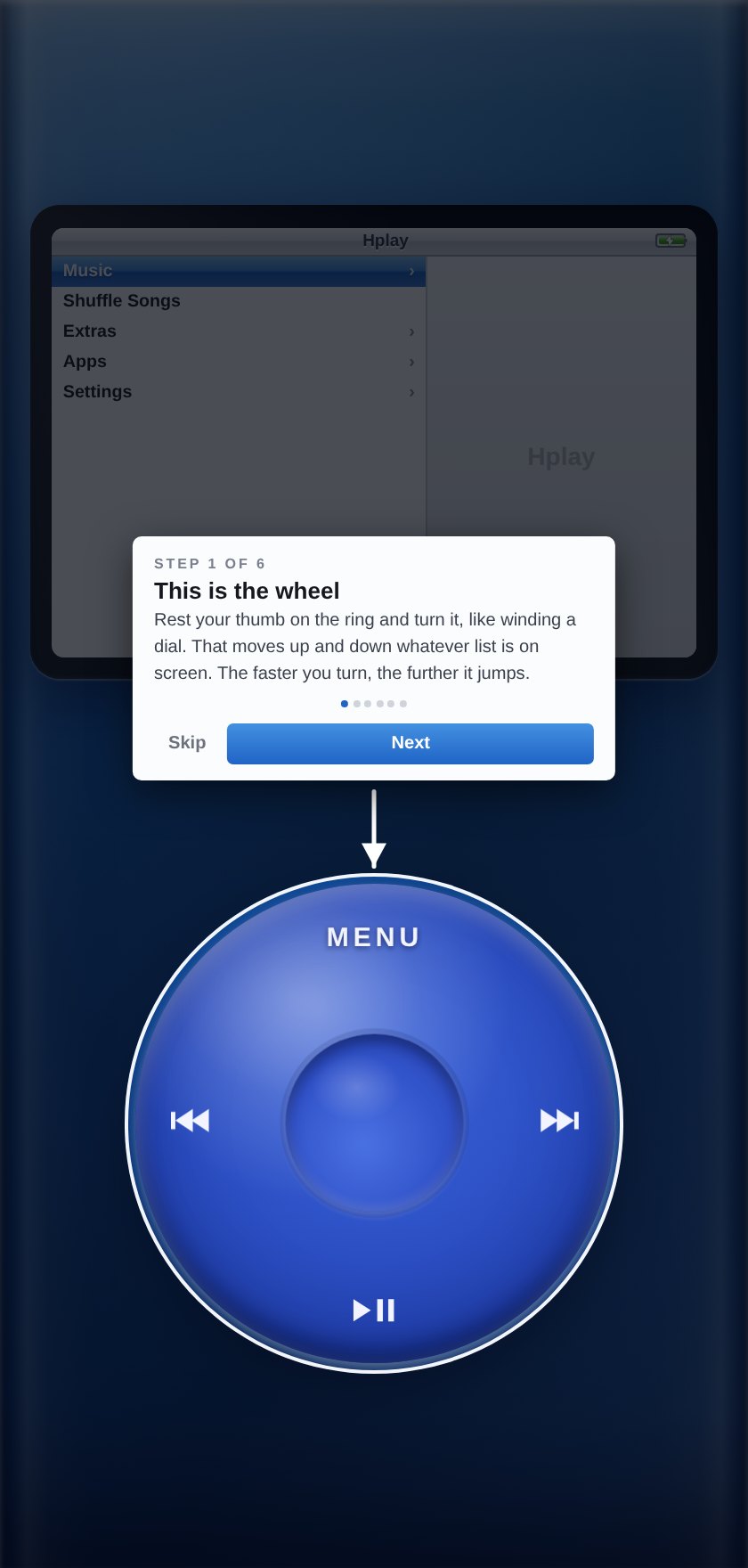
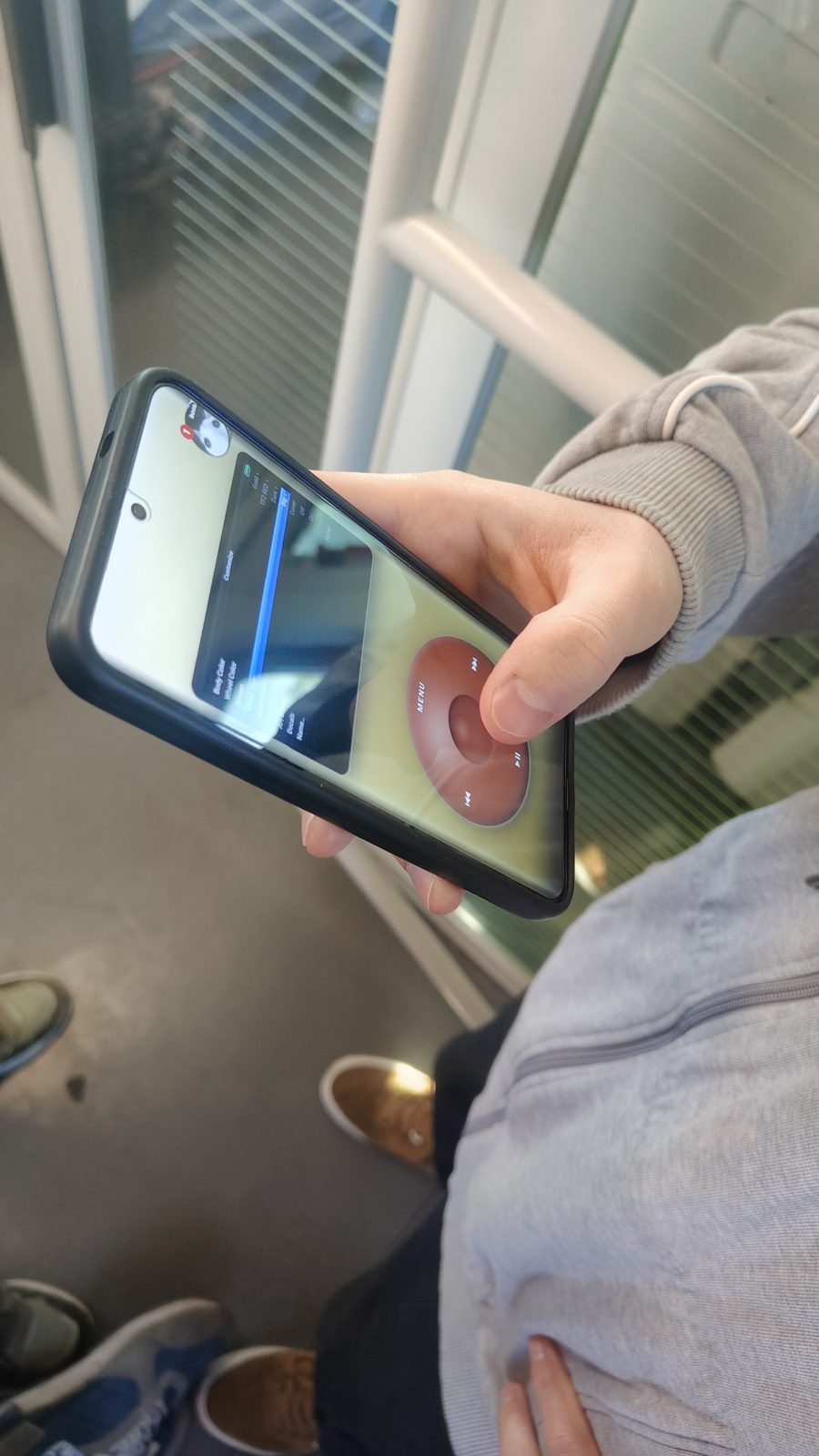
Drag around the wheel to move, press the middle to choose, press MENU to go back. A short guided tour runs the first time so you are not guessing.
No music handy? Take the twenty demo tracks below, drop them in a folder, and point the player at that.
What it looks like
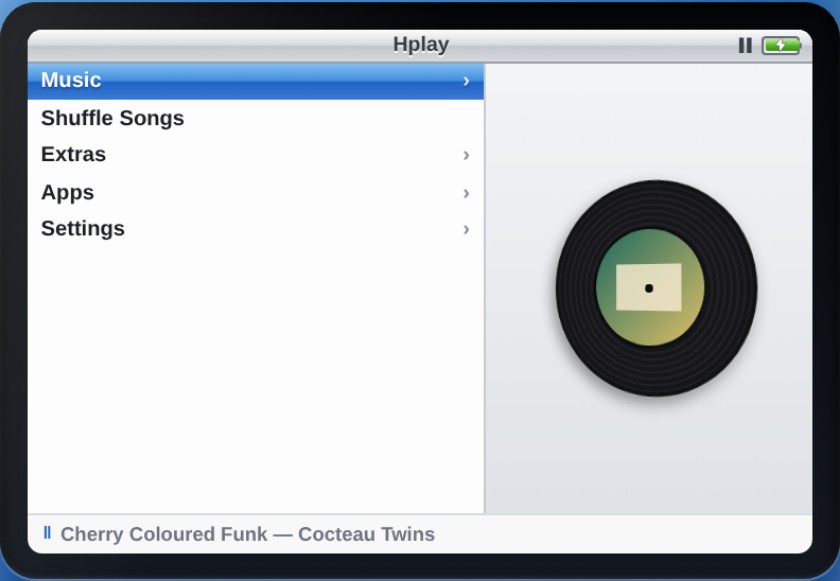
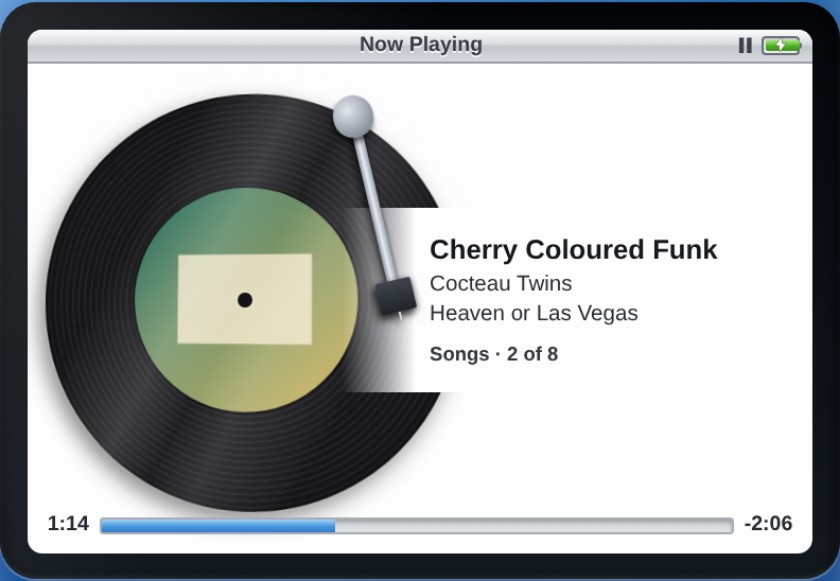
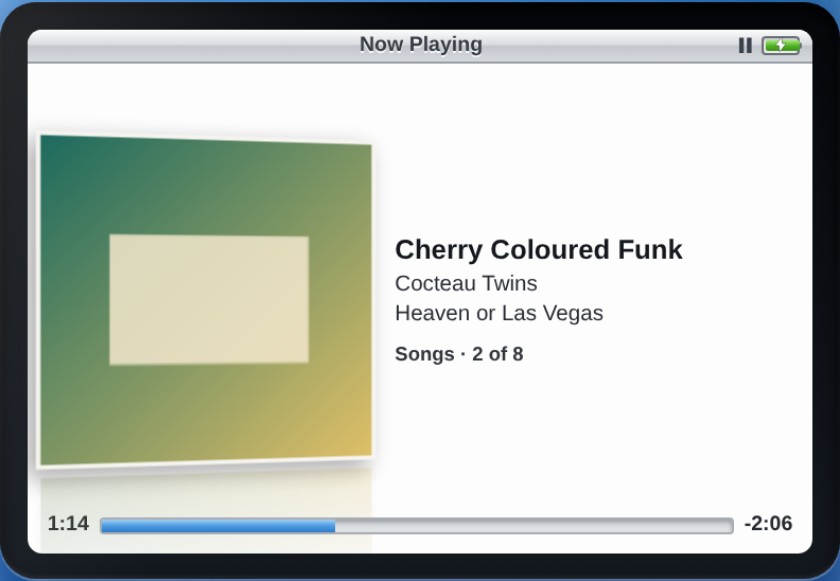
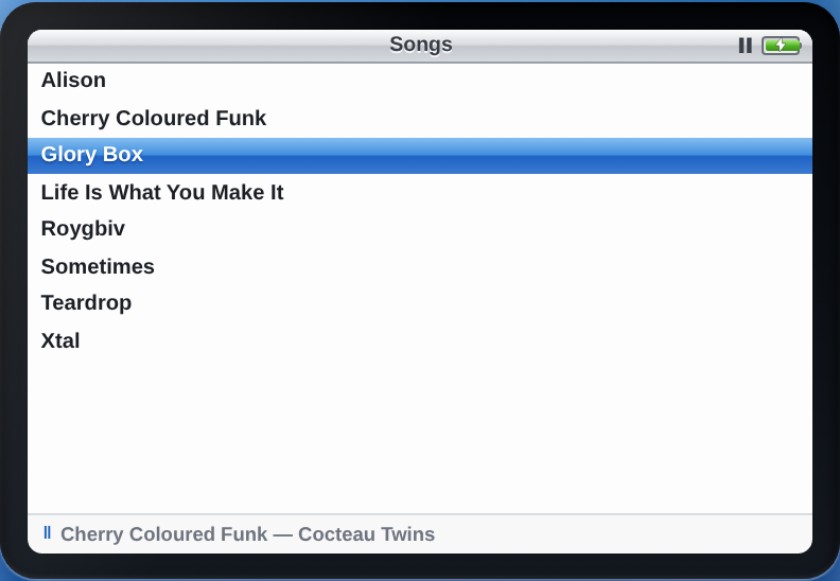
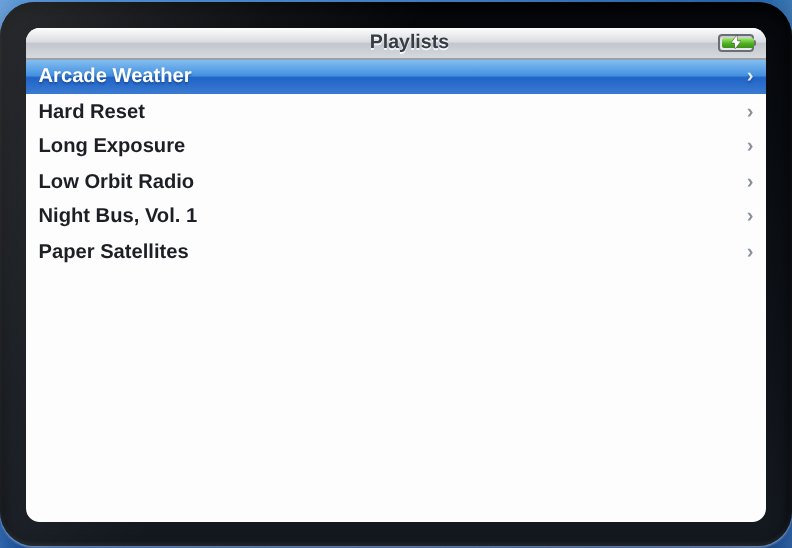
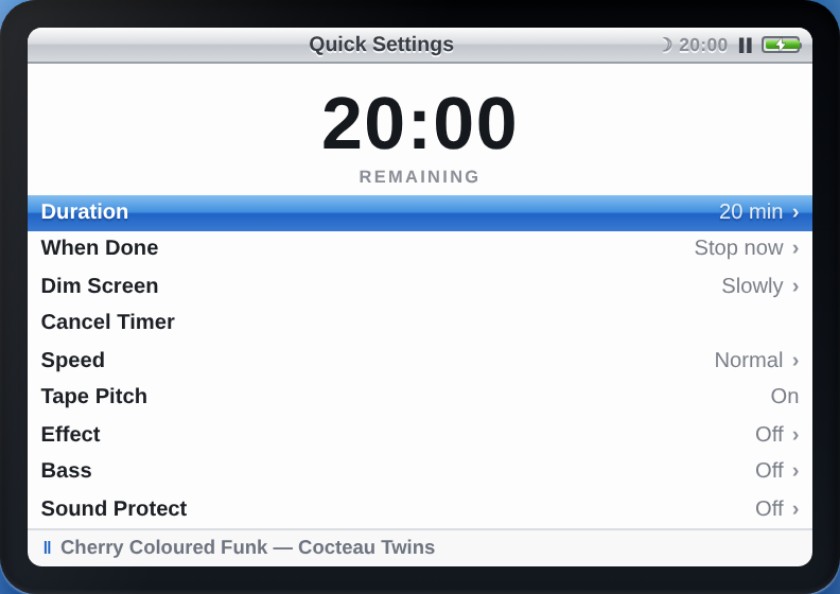
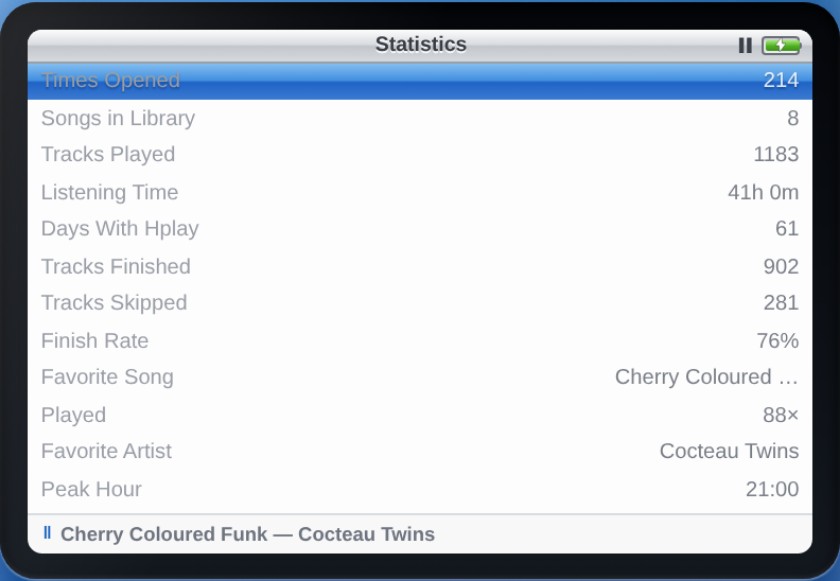
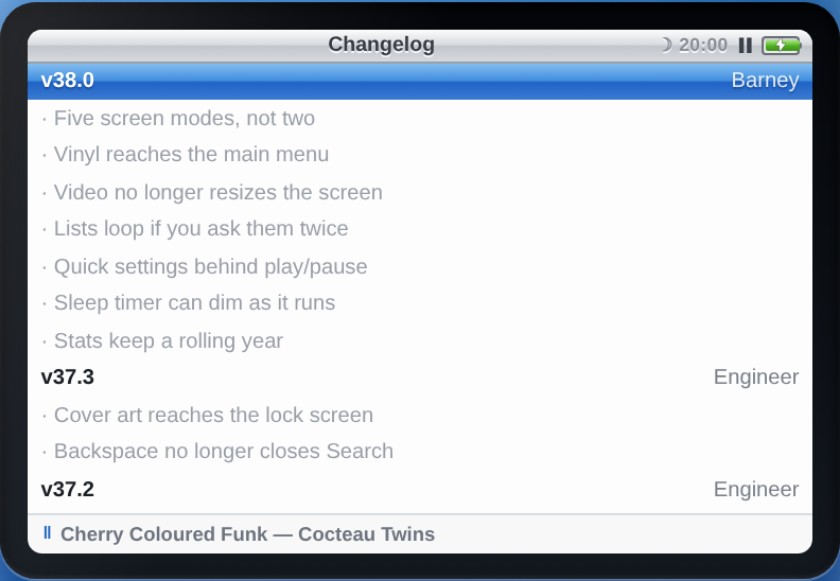
Five ways to light the screen
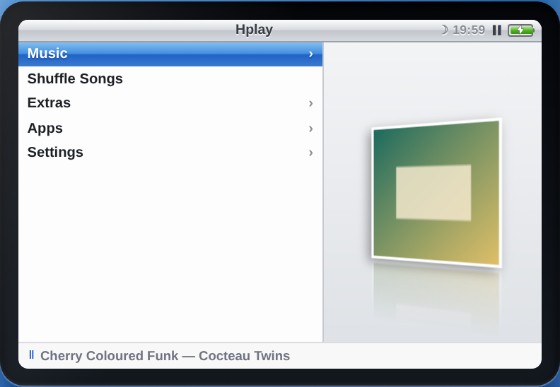
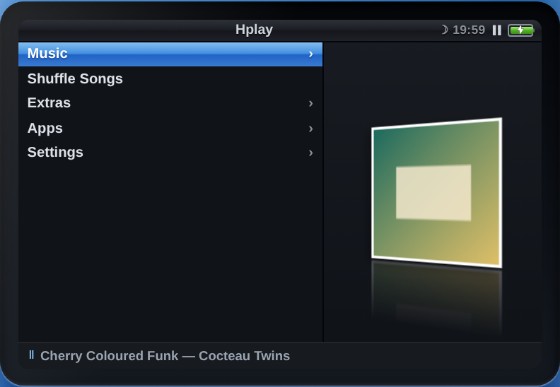
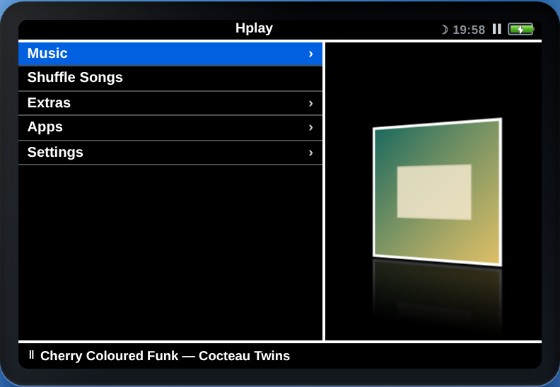
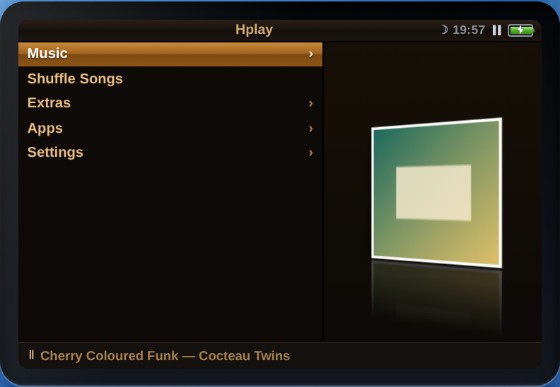
Demo music, free to keep
Twenty tracks, six made-up compilations, 51 minutes. Built to give the player something real to chew on.
Testing a music player with three songs tells you nothing. So these were written and synthesised from scratch for Hplay: proper tags, embedded cover art, varied lengths, loud ones and quiet ones. They are not recordings of any real band, and no real artist is involved. The artist names, the track names and the sleeves are all invented. Yours to download, keep and play anywhere.
Want the lot? One zip, 20 tracks, tagged and ready to drop into a folder.
Download all 61 MB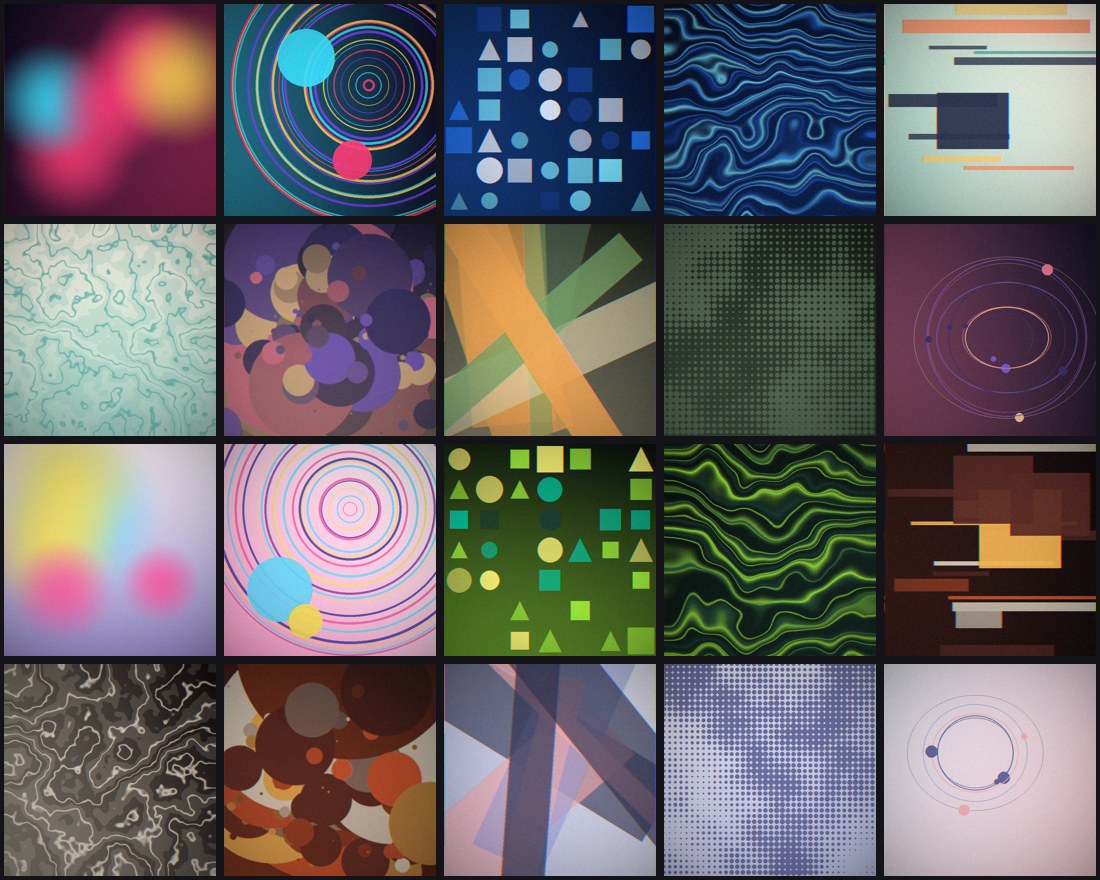
Night Bus, Vol. 1
After dark, electronic, moving.
Paper Satellites
Guitars, bedrooms, daylight.
Low Orbit Radio
The quiet corner.
Arcade Weather
Bright, fast, a bit silly.
Hard Reset
Heavy, low, late.
Long Exposure
Wide, slow, loud.
Released under the name HostLabo Tapes. Use them for whatever you like, including testing your own things. A credit is welcome but not required.
Out in the world
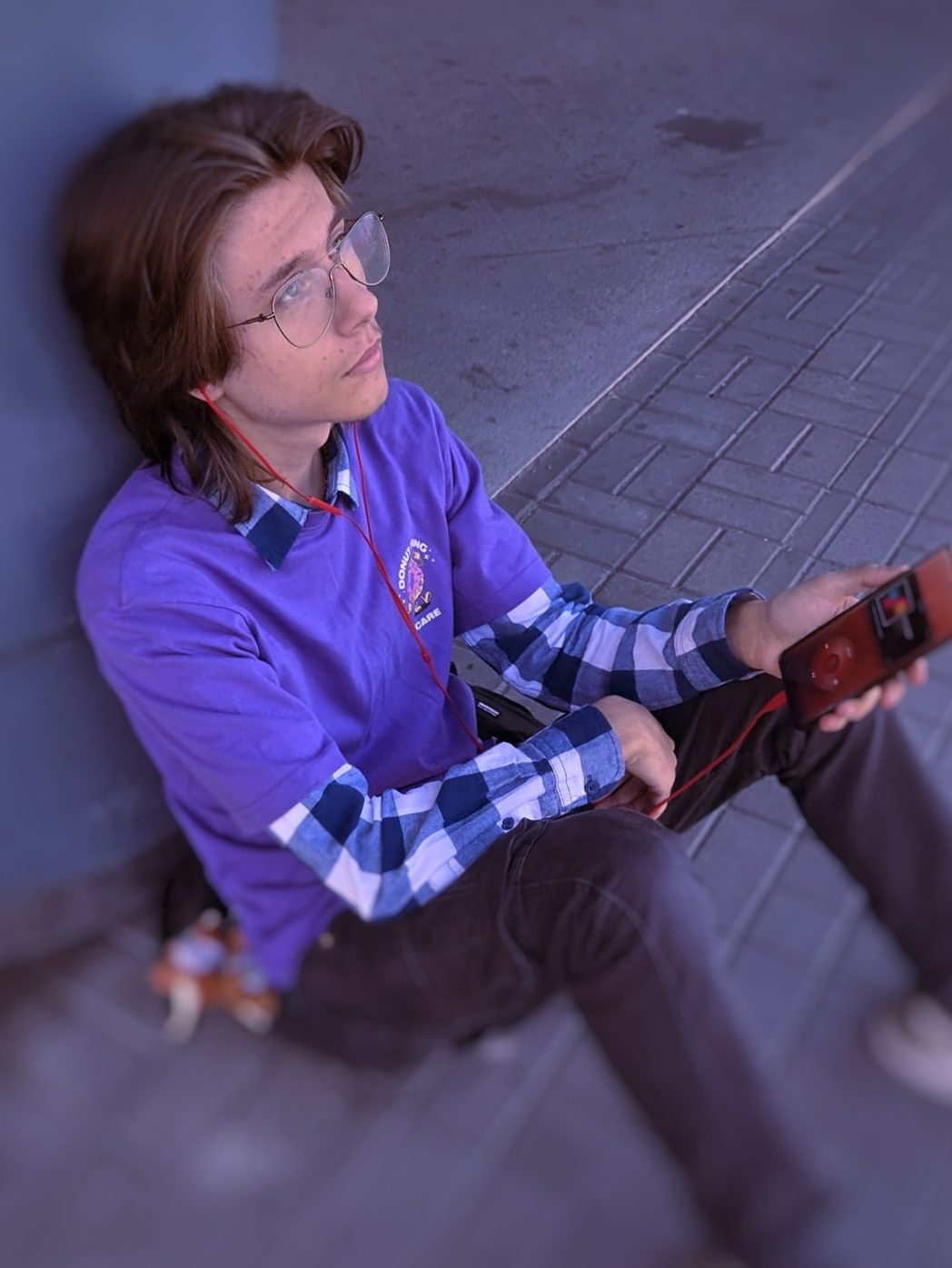
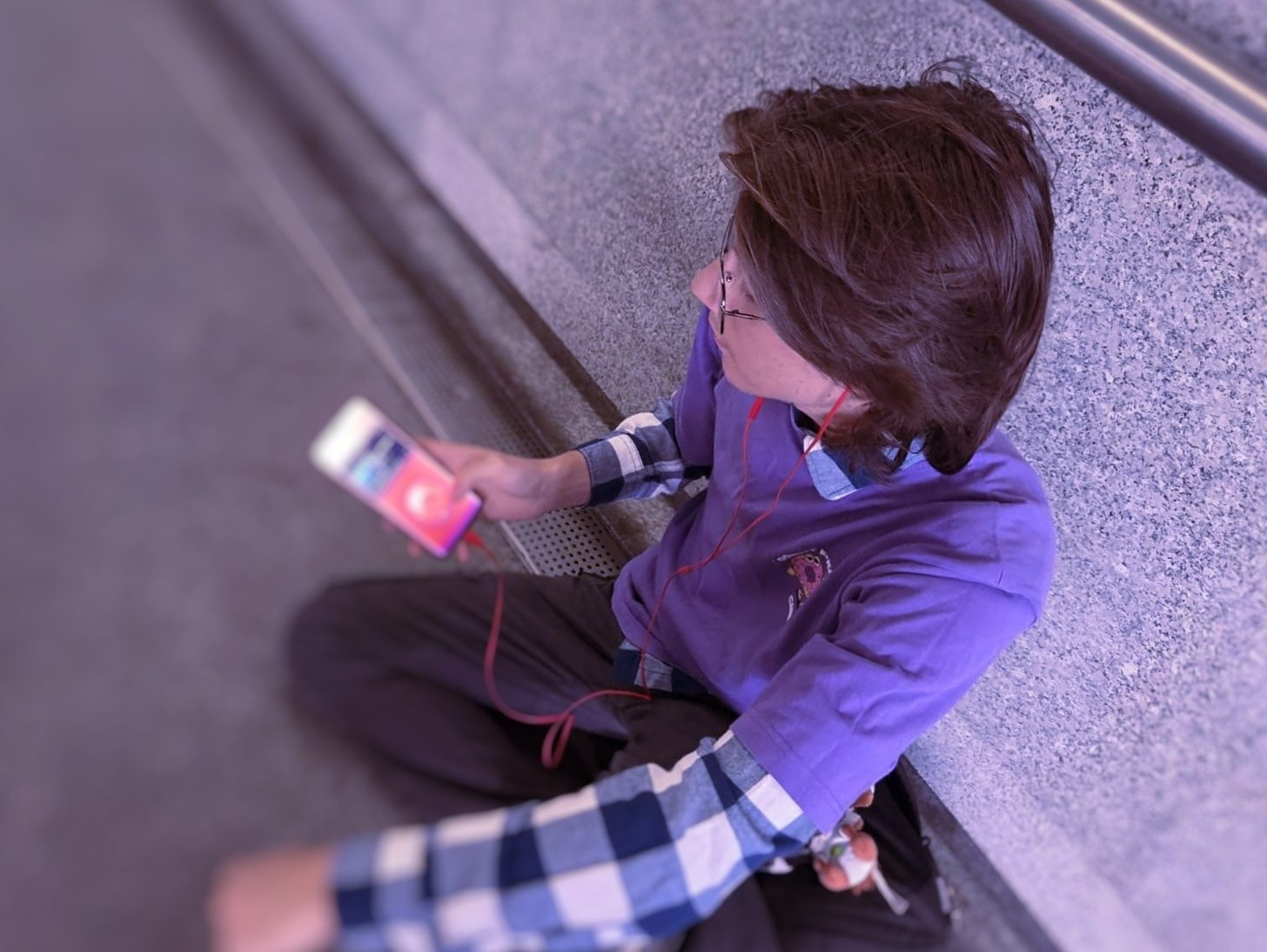
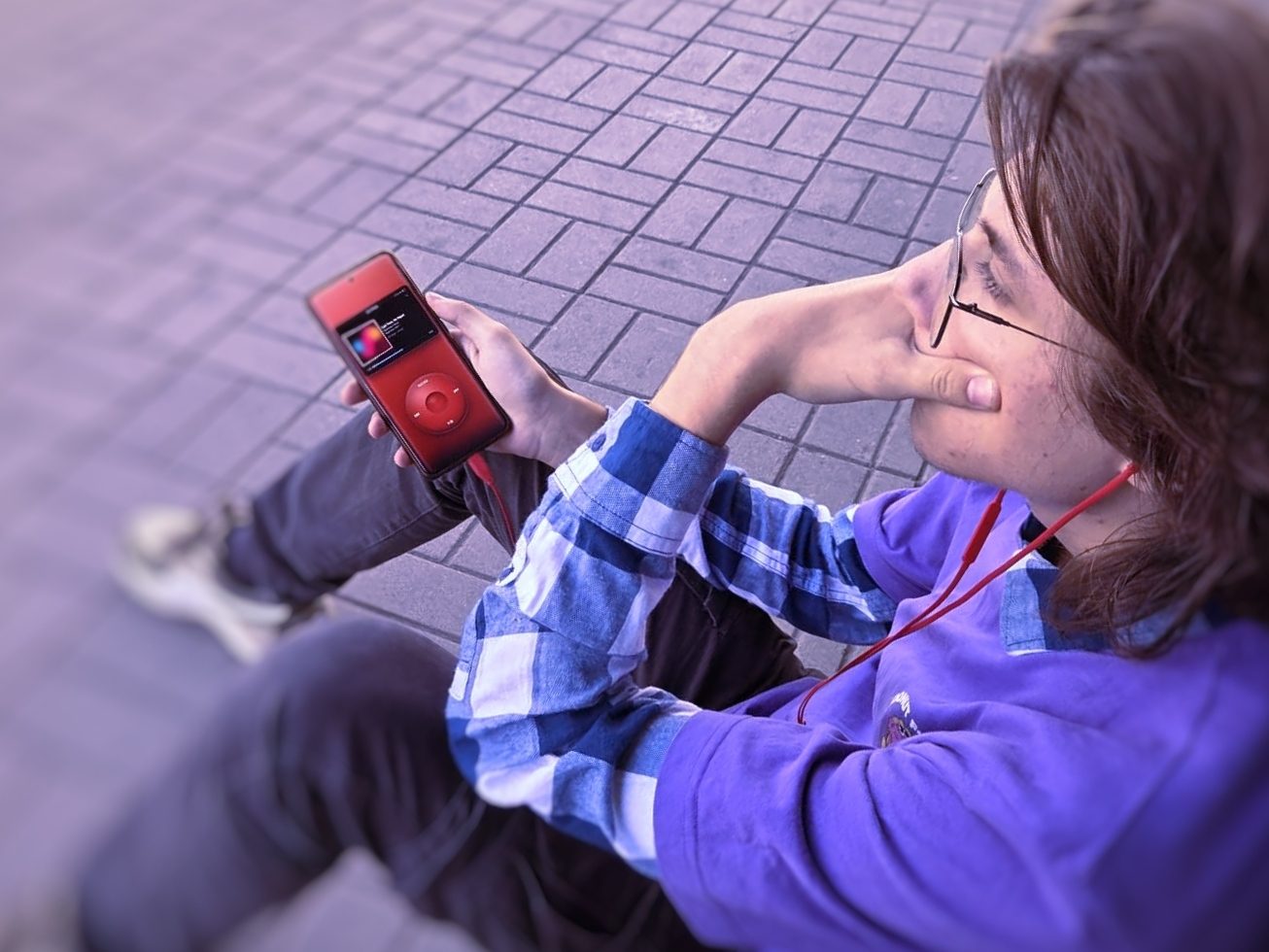
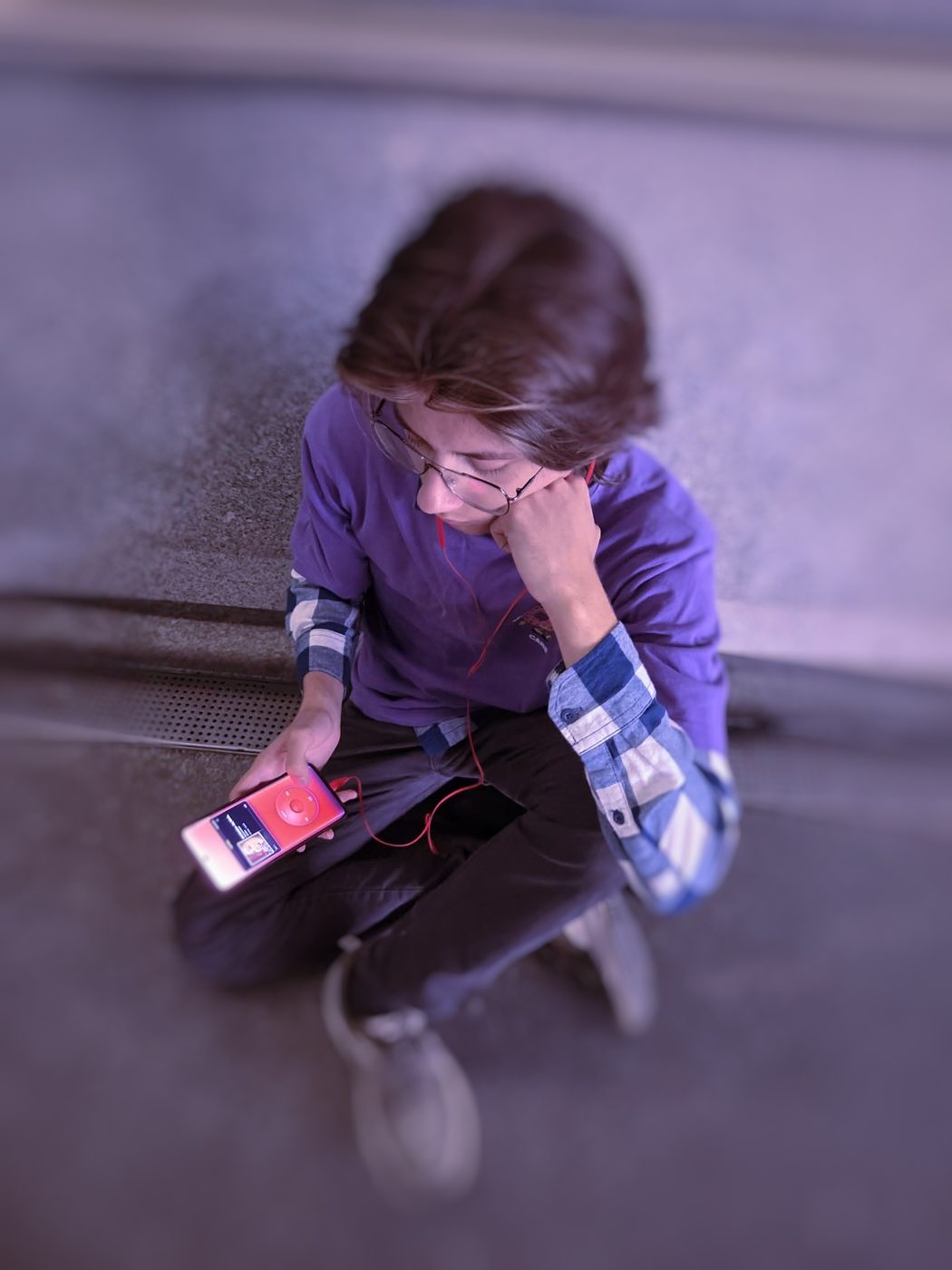
Photographs taken while carrying the thing around.

Questions
What is Hplay?
Hplay is a music player for Android that plays the music files already stored on your phone. Instead of a list you scroll, it is driven by a wheel: you turn the ring with your thumb to move through a list and press the middle to choose. It needs no account, and playing your music needs no connection.
Does Hplay use the internet?
Playing your music does, entirely. Your songs are read from the device and so is the cover art, out of the tags inside the files rather than an online lookup, and nothing about what you play is ever sent anywhere.
But Hplay is not a no-network app, and it would be wrong to say so. It loads one script when it starts — a tag reader, from a public CDN — which fills in tags its own reader missed; without a connection that one request fails and the built-in reader carries on alone. It also asks the download site, once each time it opens, whether there is a newer version — nothing of yours goes with the question, and Settings › About Hplay › Check for Updates turns it off. Get More fetches a catalogue when you open it, and downloads whatever you choose to install. Redeeming a supporter code sends that code, and a random number the app made so the same phone can redeem it again, to HostLabo’s server to be checked. Those are the only times it reaches out, and it never uploads anything at all.
Does Hplay need an account?
No. There is no sign-in, because there is nothing to sign in to. There is no account, no subscription, no ads and no tracking of any kind. Your listening statistics are counted on the device and stay there.
Which audio formats does Hplay play?
Whatever the phone itself can decode, which on Android means mp3, flac, m4a and aac, ogg, opus and wav at the least. Cover art is read from ID3 tags in mp3 files, Vorbis comments in flac, ogg and opus, and the ilst atom in m4a.
How does Hplay handle playlists?
A folder is a playlist. Point Hplay at a folder of music and every folder inside it becomes a playlist named after that folder, whatever the tags inside the files say. Renaming a folder renames the playlist, and the order of songs within one can be set by hand and is remembered.
Who makes Hplay?
One person: Iwo Dec, working as HostLabo. It is written by hand, with no framework and no build step, and it is not open source. Hplay is copyright © 2026 Iwo Dec, all rights reserved. You can read the full licence, which is short.
Is Hplay free?
Yes. Free, with no paid tier, no ads and nothing to buy inside it. The twenty demo tracks on this site are free to download and free to use as well.
How do I get Hplay?
Download the APK from How to get it and open it on your phone. Android asks whether you trust an app from outside the Play Store; say yes and it installs like any other. There is no account, no waiting list and no form. It is still an alpha, so things move between builds — the changelog says what.
Is Hplay on the Google Play Store?
Not yet. While it is in alpha it is an APK you download and install yourself. That is also why the version numbers move quickly and why things change between builds.
What does a scroll wheel player mean?
The main control is a ring you turn with your thumb rather than a list you swipe. Turning moves the highlight; spinning faster jumps further; the middle opens what is highlighted; the outer edges are menu, play or pause, and skip. It is the way portable music players worked before touchscreens, rebuilt as an Android app.
Does Hplay show cover art?
Yes, read out of your own files by the app itself. A song whose file has no artwork is given one of twenty sleeves drawn by the app, and it keeps the same one for good.
Accessibility
This page aims to meet WCAG 2.2 level AA. Here is honestly where it stands.
What has been checked
Every piece of text on this site was measured against what is actually behind it, in the light theme and the dark one, and all of it clears the 4.5:1 contrast the standard asks for — including text over gradients, measured against the worst part of the gradient rather than an average. Everything you can operate has a name a screen reader can read out, a visible focus ring, and a target at least 24 by 24 pixels. Each page has one main heading, headings in order, a skip link, and proper landmarks. The page works at 320 pixels wide, which is what 400% zoom comes to, without anything being cut off or scrolling sideways. It survives a reader's own stylesheet forcing wider line, letter and word spacing. Nothing is conveyed by colour alone, animation respects a reduced-motion setting, and the light and dark themes both follow your system setting unless you change it here.
What has not
None of the above was tested with a real screen reader by somebody who uses one every day, and that is the test that counts. The photographs have written descriptions, but a description is somebody's opinion of a picture and mine may not be the useful one. The demo tracks are music with no words, so there are no captions or transcripts; if that is wrong, tell me. This is a one-person alpha, so it is checked by a script on every change rather than audited by anyone qualified.
The app itself
Hplay the Android app is a separate thing from this page and has not been through the same check. It has a text size setting, a high-contrast screen mode, a reduced-motion setting and a haptics switch, but it is driven by a scroll wheel, which is a demanding thing to operate. If it does not work for you I would genuinely like to know, because that is fixable and worth fixing.
Tell me when something does not work
Email hostlabosupport@gmail.com with what you were trying to do and what got in the way. You will get a reply from a person. If something here stops you using the page, say so and it goes to the front of the queue.
Last checked 20 September 2026, against WCAG 2.2 AA, using automated measurement of the rendered pages.
More to read
Hplay at Sixty Days
How the player got built, what broke along the way, and what the first tester said about it.
Every releaseChangelog
All 72 releases, newest first, with a few lines on what each numbered run was for.
FormAlpha feedback
Tried it? Tell me what worked and what did not. In English or Polish.
DownloadsHostLabo Tapes
All twenty demo tracks, tagged and sleeved, in one zip or one at a time.
TermsLicence
Free to use forever, and not open source. What you may and may not do, in plain words.
ElsewhereHostLab
The other site: a pile of small browser tools and experiments, all built the same way.
Supporters
People who bought a coffee. They get their name here, their name in the app, a rank on the Discord when there is one, and a skin. Nothing else, because nothing else is held back.
Nobody yet. You could be first.
Get in touch
Bug reports, ideas and complaints are all welcome. The fastest way is email.
Why it exists
I made Hplay because everything now is too much.
Every app wants an account, a subscription, a feed and your attention. A music player should want a folder. So Hplay opens on one screen, with one wheel, and nothing to set up before it plays something.
Simple was the point. Thin was not. Underneath it there are stations built out of what you actually replay, six ways to watch the sound, a theme system that colours the icon on your home screen, and an accessibility screen with real controls in it rather than a toggle and an apology. Nothing is in your way. Nothing is missing either.
— Iwo